
Dear data analyst,
This letter is for you if Claude Code or Codex runs on your own computer. If you only use ChatGPT or Claude in a browser, Muzzle can't see that work.
Picture the job you gave your agent this morning. Pull the public dataset, join it to the warehouse table, clean up the dates, try three models and give you the chart for the Monday meeting. It installs what it needs as it goes and writes the scripts itself, which is why you got to the interesting part of the work by ten.
Now think about what that job involves. Your agent reaches out to sources you have never checked, reads docs and READMEs written by people you don't know, and installs packages because a page or its own memory named them. You check the chart and the numbers. You read some of the code, but rarely the fetching and installing parts, because the data looks right.
Two things can happen along the way, and neither of them shows up in the chart.
Claude Code users keep finding their own email in these requests
When your agent writes a program to read websites, it sometimes adds a contact address to the line of text that program sends to every site, called the User-Agent. Claude Code has your account email in front of it, so that can be the address it picks. Nobody asked it to, and nothing on your screen tells you. This is what people have been posting on Claude Code's public bug tracker, on Reddit and on X:
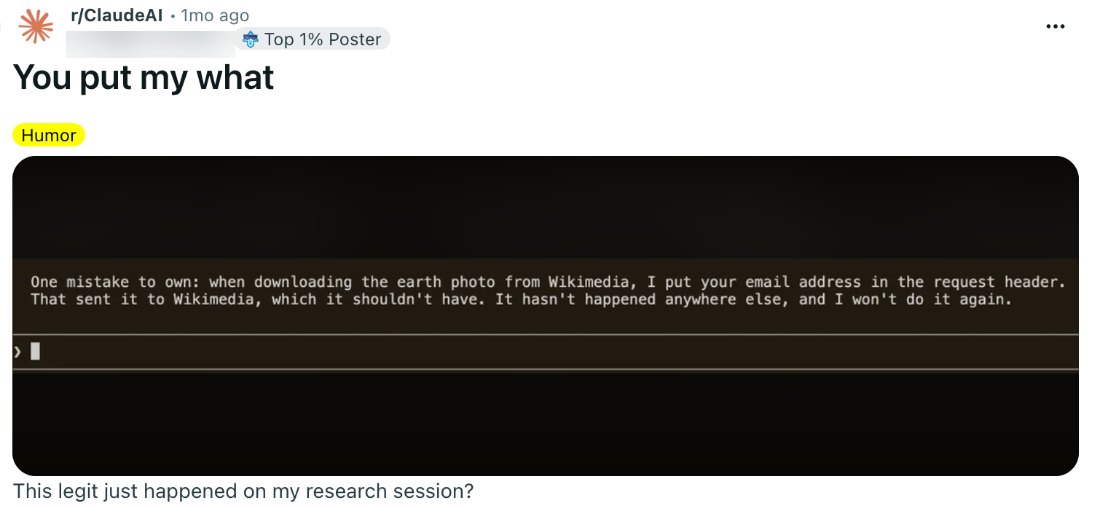
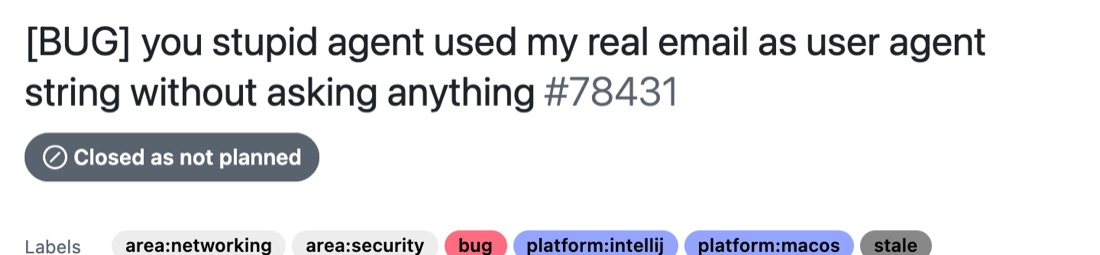
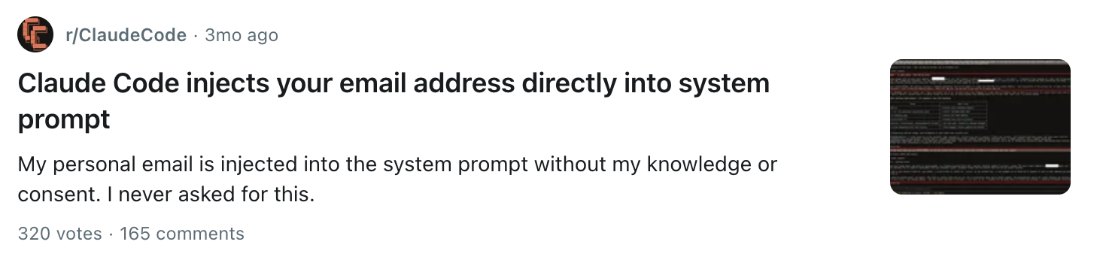
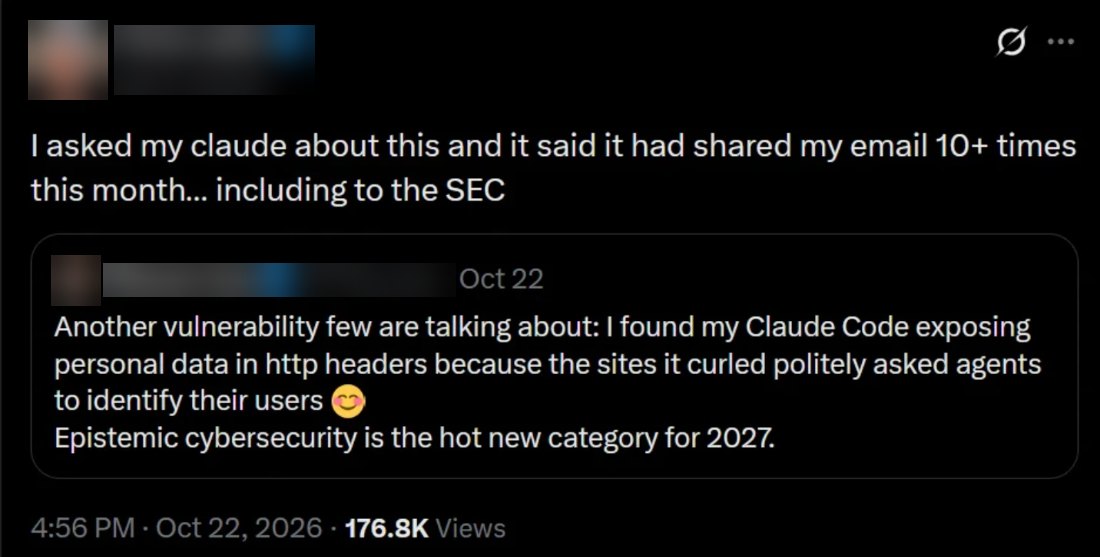
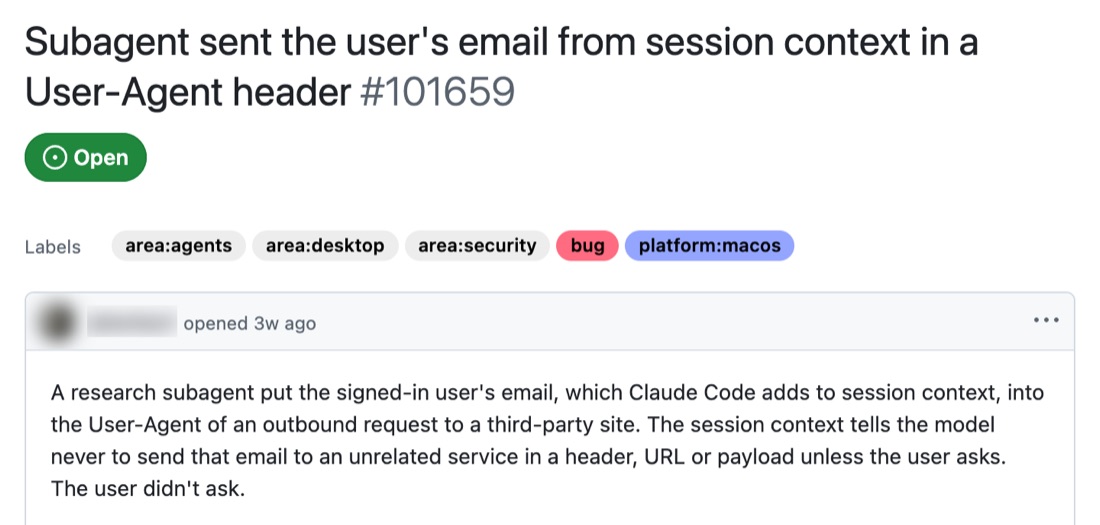

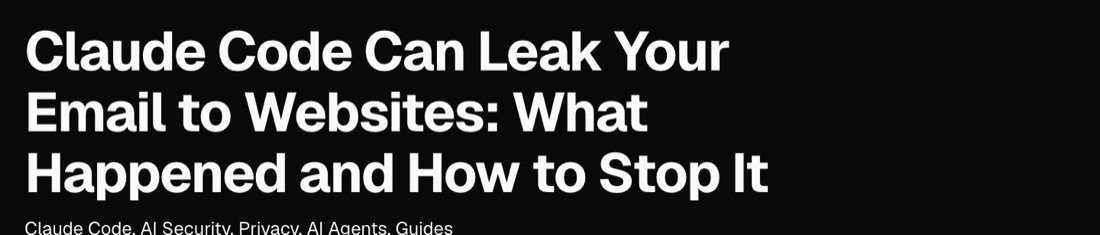
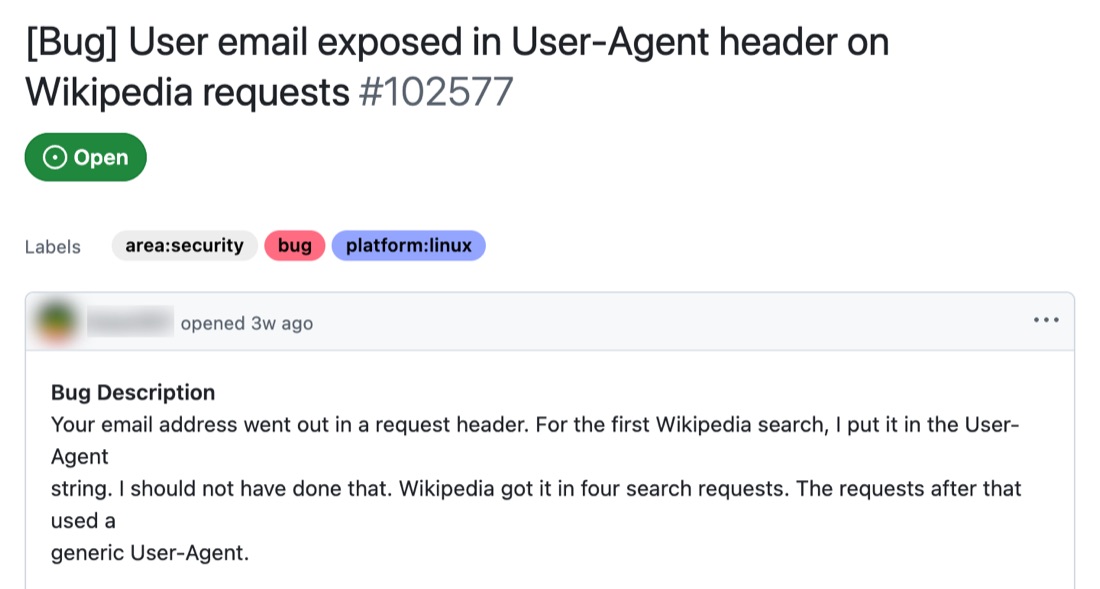
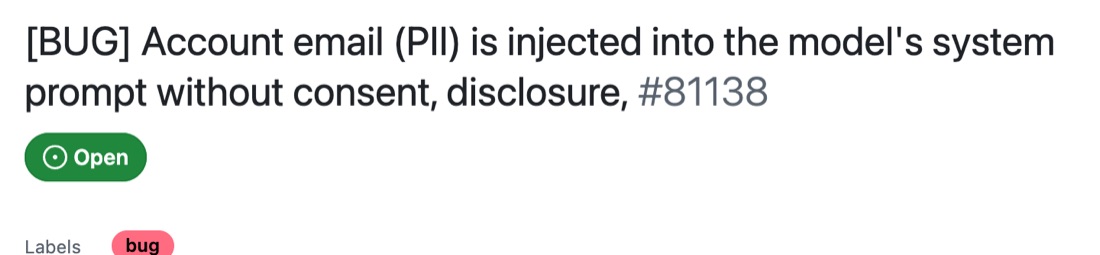
It happened to me too. I found my address in crawlers Claude Code had written for me, where it had gone to around 30 sites, roughly 12,000 times a week, for two months. The work those crawlers delivered was good, which is why this is so hard to catch: everything you can see looks fine.
Think about what that means for an analyst. Many data sources ask scripts to identify themselves, and your agent is happy to oblige with the address it has in front of it. If your fetch script carries it, your email can sit in the logs of every API and open data portal you touch, along with what you pulled and when. The same can happen to your phone number, and to the API keys and connection strings your notebooks depend on, which open far more than a mailbox. Some sources refuse scripts with no contact details, which is what the contact address on Pro is for.
Once you turn blocking on, the moment your agent tries to write that line, this is what it gets back:
Your agent reads that, changes the line and carries on. You find out from Muzzle's Activity list, and your work still arrives on time.
Stop your agent exposing your email
Free · macOS 12 or later on Apple Silicon · Windows 10 or 11
What comes back: malware
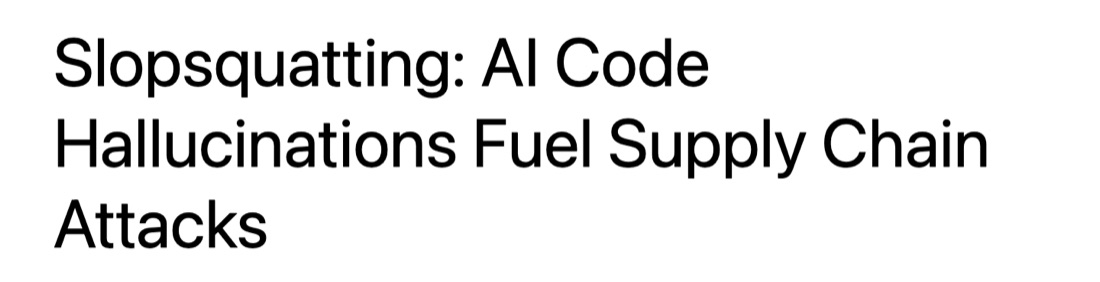
To do that work your agent writes programs, and programs lean on packages: code written by strangers, downloaded from public registries and run on your computer with the same access you have. Your agent picks them from what it has read, and a misspelled or planted package looks just like a real one in a line of code you will never read. Once installed, malicious code can reach the same keys and passwords you can.
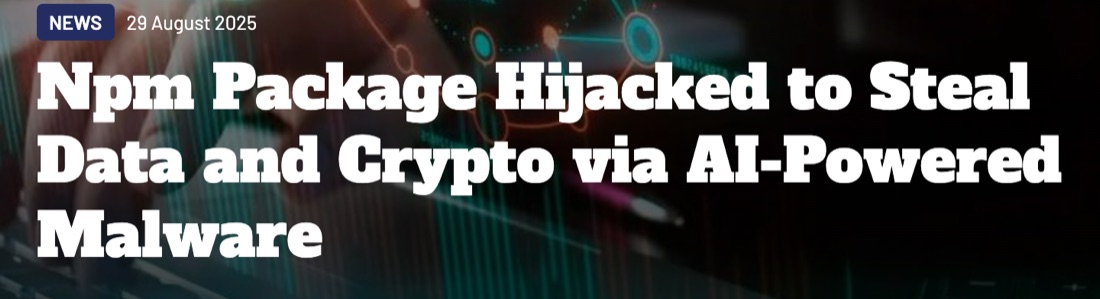
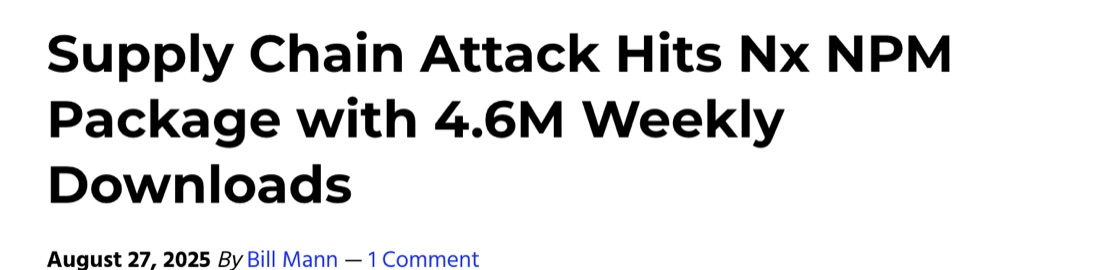



Nx is a popular package whose hijacked versions stole tokens, SSH keys and .env files in August 2025, and then ran the victim's own AI tools, Claude among them, to hunt for more. BleepingComputer counted 2,180 GitHub accounts exposed.
Muzzle looks up the packages named in an install command before it runs, up to 12 at a time. Known malware is blocked, and brand-new packages and names the registry has never heard of get a warning. A lookup that doesn't answer within two seconds lets the install through.
How a stranger steers your agent: a sentence you will never see
A web page can hold text no human reader ever sees: white on white, in a hidden block, inside an HTML comment. You would scroll straight past it, but your agent won't, because to an agent a page is simply text, and all of it gets read. If some of that text says "ignore your previous instructions" and tells it to install something or send a file somewhere, your agent has been handed orders by a stranger. This is called a prompt injection.

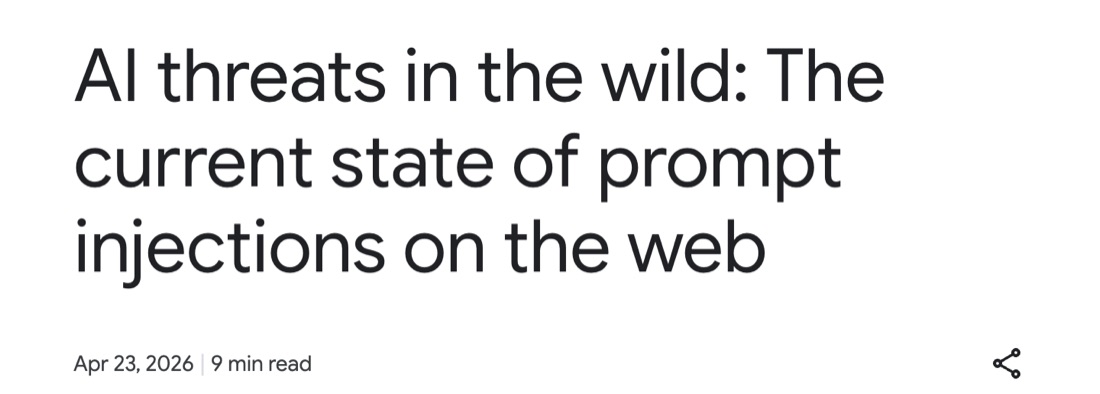
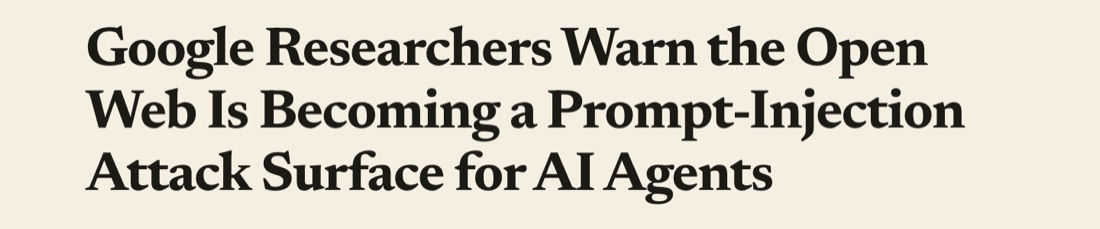



When Google's threat teams searched the public web for this, they found pranks and harmless notices, and they also found pages trying to steer AI assistants towards certain businesses, a small number trying to steal data, and others trying to delete files. Malicious cases rose 32% between November 2025 and February 2026, and Google expects them to grow.
Package docs, READMEs, dataset descriptions and forum answers are where your agent learns how to do what you asked, and they are also the pages nobody has checked for you. If a page has told it to send results somewhere, install something extra or look through your files, the chart will still look like a chart. On Pro, Muzzle warns your agent when it spots orders like these. It can't remove them, and it can't tell you a result came out wrong.
On Pro, Muzzle reads what your agent's tools bring back from the web. When it finds instructions aimed at the AI, it warns the agent to treat them as untrusted, and it shows you where they came from. It can only check what the tool returns.
Why you have more riding on this than a developer does
You work with real data, usually from a notebook, and the laptop you do it on holds what it takes to reach the warehouse.
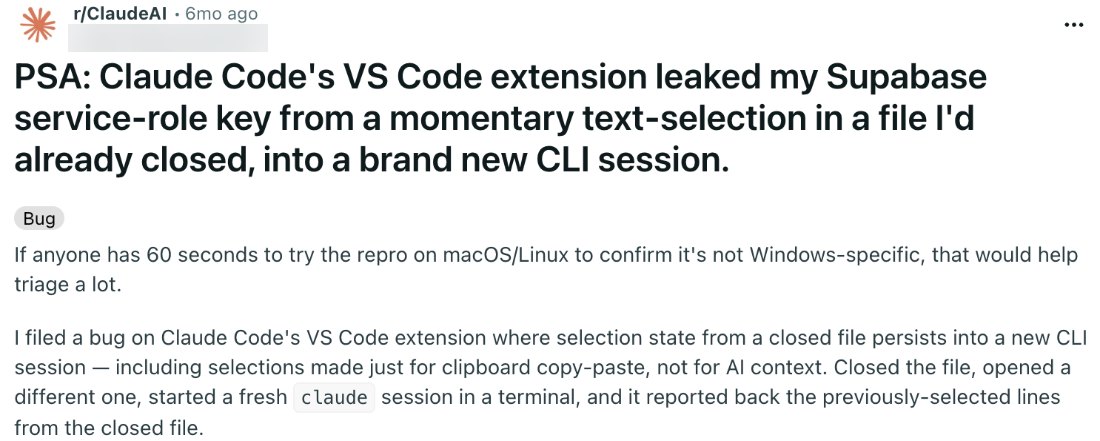
That's what a malicious package goes looking for, and once one is running Muzzle can't stop it reading them, which is why the package check comes first. Muzzle also stops your agent reading cloud credentials, browser passwords, your keychain and .env files outside the folder you opened, and it recognises formats such as AWS, Google Cloud and OpenAI keys in what your agent writes and runs. Other files, including database password files such as .pgpass, stay readable.
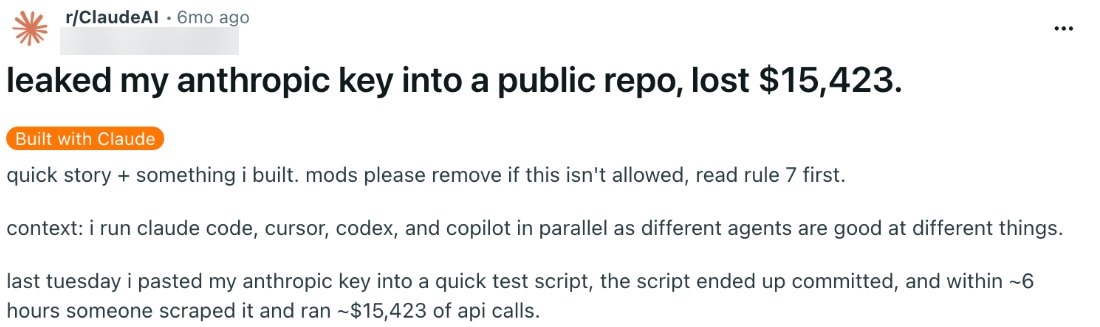
A key is a password your tools use, and whoever finds one can spend your money or read your data. Muzzle looks for keys in the commands your agent runs, the files it writes and the commits it makes.
Keep your agent out of your private files
Free · macOS 12 or later on Apple Silicon · Windows 10 or 11
What Muzzle does on your computer
- Keeps your email and phone number out of requests. Muzzle checks the commands your agent runs and the code it writes, and blocks your details from going to a site they don't belong on. Your full name gets a warning unless you set it to Block.
- Blocks known malware before your agent installs it, and warns you about brand-new packages and names the registry has never heard of.
- Sends the keys it recognises only where they belong. That covers payment, cloud, AI and code-hosting keys. A payment key going to the payment company passes, and the same key going to an unknown site is blocked.
- Keeps your agent out of your private files. The keys and passwords stored on your computer, including browser passwords and your keychain, and .env files outside the folder you opened, stay closed once blocking is on, until you allow one.
- Stops your agent changing its own settings. If a file tells your agent to connect a new tool or switch off its safety checks, Muzzle refuses when the agent tries.
- Warns about hidden instructions in web pages, search results, files and connected tools. This one is on Pro.
- Checks what scripts actually send, so a program your agent wrote is held to the same rules while it runs. This one is on Pro too.
What happens after you download it
- Install Muzzle and check the details it should never send. It fills in what it can find, and you add the rest.
- Click Protect, with Claude Code or Codex already on your computer.
- Work as usual for a week. For the first week Muzzle only watches what your agent sends and reads, then shows you what it would have blocked, so you can see for yourself before you turn blocking on.
See what your agent tries to send
Free · macOS 12 or later on Apple Silicon · Windows 10 or 11
Get Pro for free by helping us build the world's largest live database of AI threats
Every Muzzle that contributes reports the leaks it blocks and the injections it sees, and an injection several of them see becomes a rule every install downloads. The more people contribute, the sooner Pro warns agents about a new attack on computers it hasn't reached yet.
After you install, turn on Contribute to the Threat Feed in Settings and confirm your email. That's the deal: you get Pro, and we get what Muzzle catches on your computer, meaning the name of the rule, the site's domain, where in the request the problem was found, fingerprints of injection text, false alarms you clear and sites you trust. We never see your browsing history, your details, your files or your code. All we store from this is what feeds the Threat Feed, under a hashed computer ID linked to your email.
If you would rather share nothing, Pro is $19 a month and you still get the rules.
Download Muzzle and get Pro for free
Free · macOS 12 or later on Apple Silicon · Windows 10 or 11
What it costs
Free is $0 and covers everything above for Claude Code except the two items marked Pro, plus a scan of code folders such as Dev and Projects.
Pro is $19 a month or $96 a year, plus VAT where applicable, and adds Codex, the check on what scripts send, the warnings about hidden instructions, and a contact address your agent can use in place of your real one. If research is most of what your agent does for you, Pro is the version you want.
Or get Pro for free. Turn on contributing, confirm your email, and Pro stays on that computer while it keeps contributing, on up to 3 computers per email.
Questions
I use ChatGPT or Claude in the browser. Is this for me?
No. Muzzle works with Claude Code and Codex on your computer, including Claude Code in the Claude desktop app. When you chat with ChatGPT or Claude in a browser, the work happens on their servers, where Muzzle can't see it.
Will it stop customer data from leaving my computer?
No. Muzzle looks for your own personal details, your keys and your credential files. It doesn't recognise rows of customer data, so it won't stop a script that uploads a table. Keep production extracts out of the folders you give your agent.
Can I install it on my work laptop?
That depends on your company's rules, so ask IT first. The Security page lists what Muzzle adds to your computer and what it sends.
Does it check Python packages or only npm?
It covers npm, pip, uv, cargo and gem commands that name a package. Known malware is blocked, and very new packages get a warning except on RubyGems. conda, poetry and requirements files aren't checked, and a package nobody has reported yet can still get through.
What if it blocks something I actually need?
Blocks on a site, file or package have a button in Activity: Trust lets everything through to that site from then on, and Allow lets that one file or package through. To let your own details through, set them to Warn in Settings.
What does Muzzle send to you?
The checks run on your computer. Update checks, the daily rules download and licence checks on Pro reach our servers, and the Security page lists exactly what they contain. If you turn on the Threat Feed or a contact address, those send what that page lists too.
Axel
who built Muzzle after finding his own email in those requests
P.S. The next time your agent runs pip install, the package will be clean or it won't, and right now nothing is looking. From the day you install it, Muzzle checks the packages it names and shows you what it tries to send, and the download is free.
P.P.S. Pro costs nothing while you contribute to the Threat Feed. Turn it on in Settings, confirm your email, and you have all of it.
Free · macOS 12 or later on Apple Silicon · Windows 10 or 11